
Apr 15
Clarify PDF Parsing and Multiple Availability Options
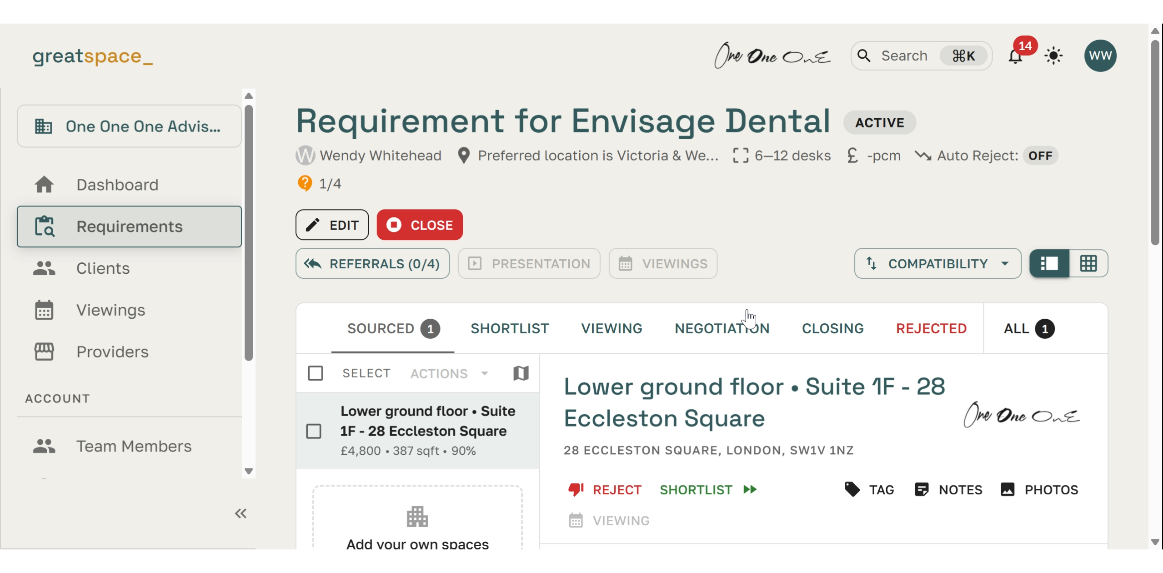
Hey guys. I've managed to use the "Add your own spaces" function using a PDF that a Provider shared with me detailing all of their availability across several pages. On uploading the PDF I can see Prism AI in action and great to see it completing as many fields as it can on its own, extracting the data from the PDF. My question is; what if there is more than one suitable option from their availability document? Technically all of the offices available could work for my client. Is it that the AI only picks up the availability on the first page of the PDF, or has it scanned the whole document and decided that the 1st option on the 1st page is the best match? If I want to provide more options in the same building, would I need to manually input the others?
Closed
Hi Wendy, The PDF and URL import options are currently only designed to import a single workspace per PDF or URL. So uploading a full availability list will probably cause unexpected results. The AI has probably just picked the first one it came across in the document, rather than picking the best one. We can certainly look at an ability to import multiple options in one go - and in fact providers have been asking about ways to import availability lists and spreadsheets anyway! Thanks for the comment :)